These Terms of Use (“Terms”) govern your access to and use of the Stellaris mobile application (“Stellaris”, the “App”), operated by Caerus Digital, LLC (“Caerus Digital”, “we”, “us”, “our”). By downloading, installing, or using Stellaris, you agree to these Terms. If you do not agree, do not use the App.
1. Eligibility
Stellaris is intended for use by professional pilots with valid CCS+ and PBS access. You must be at least 18 years old and authorized to access the CCS+ crew-management system to use Stellaris.
2. Description of Service
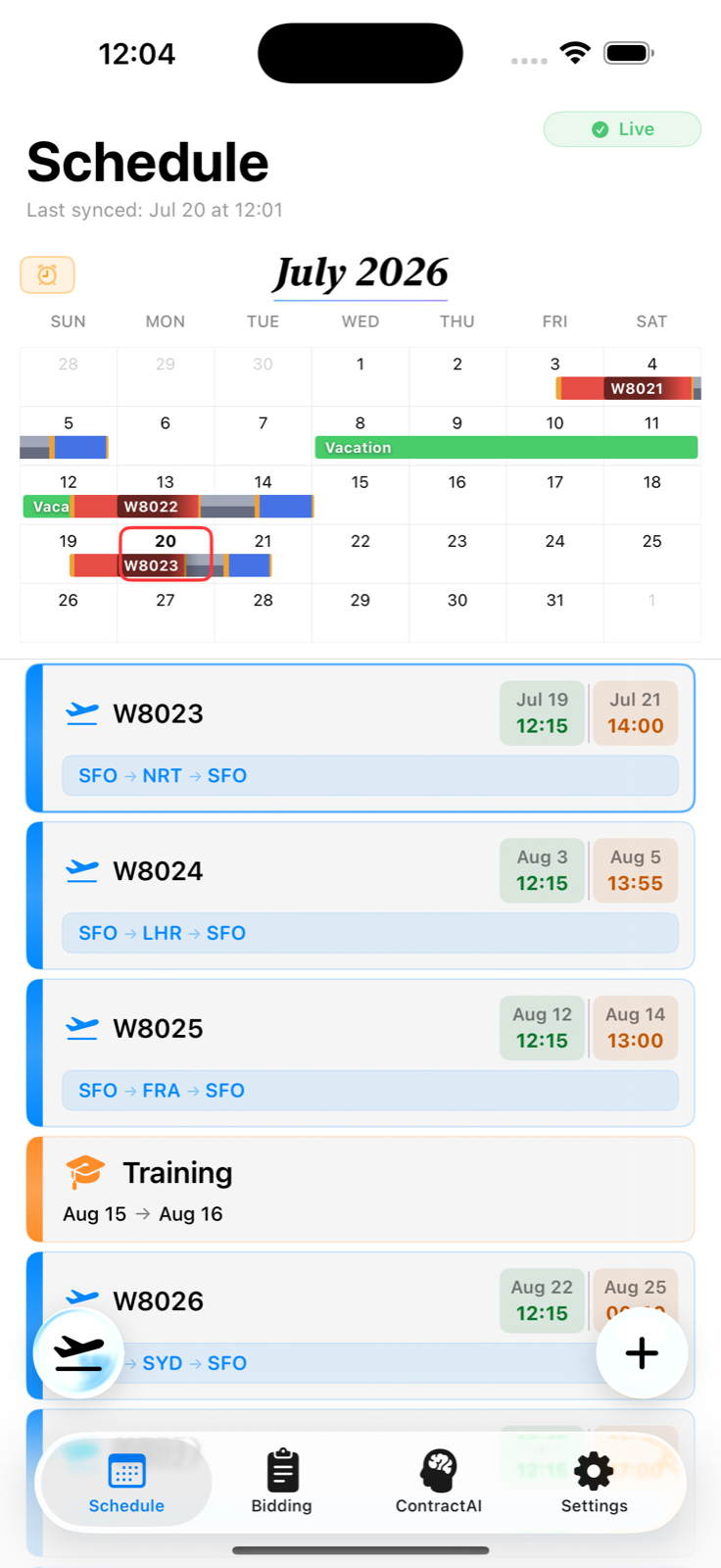
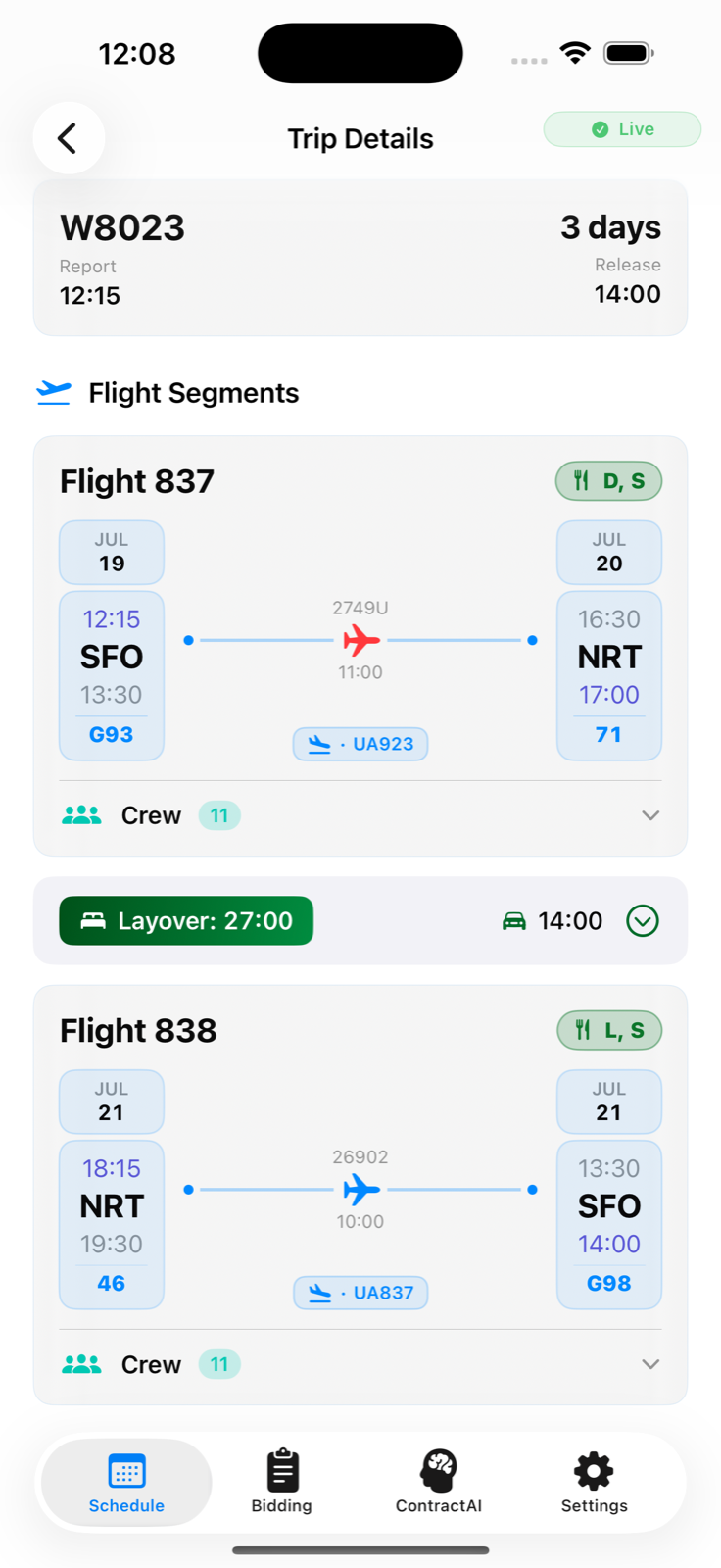
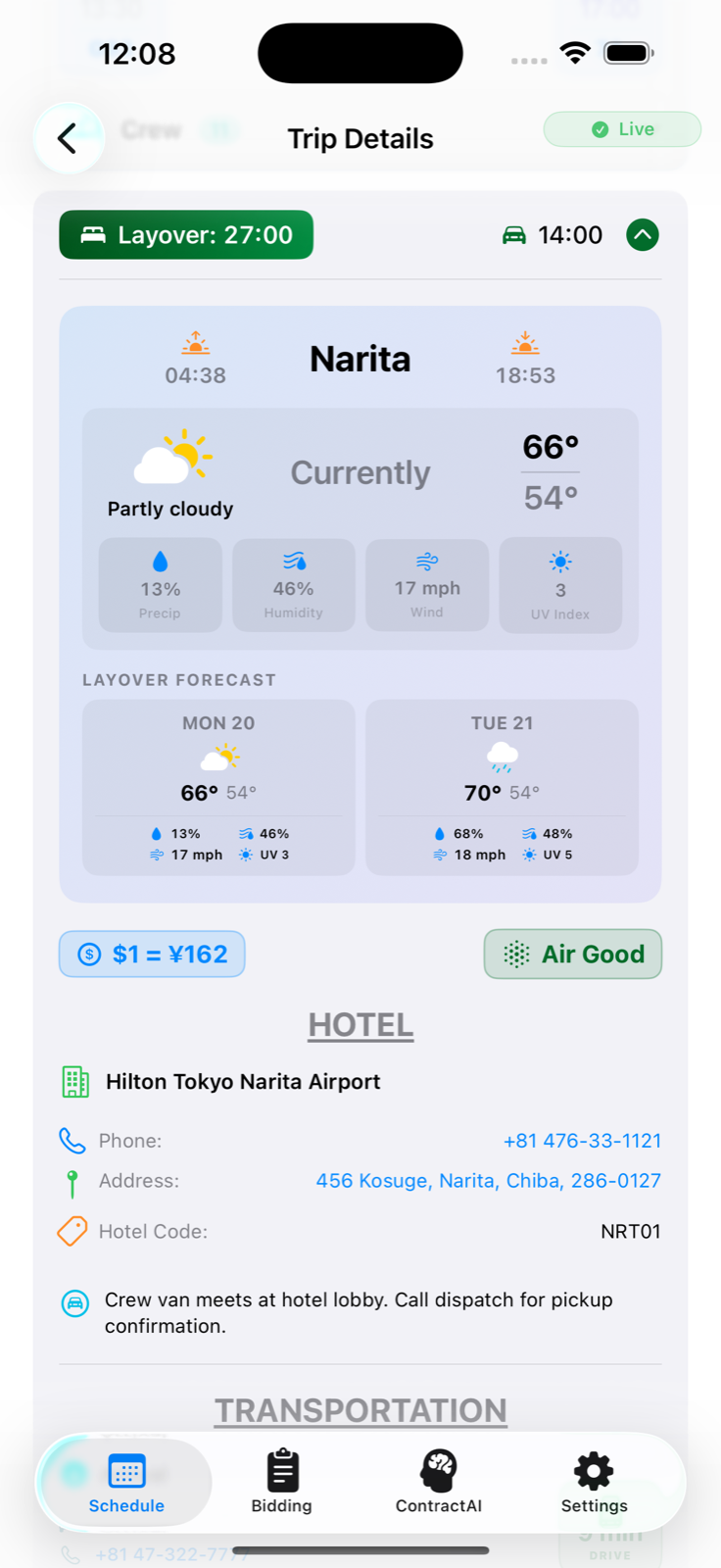
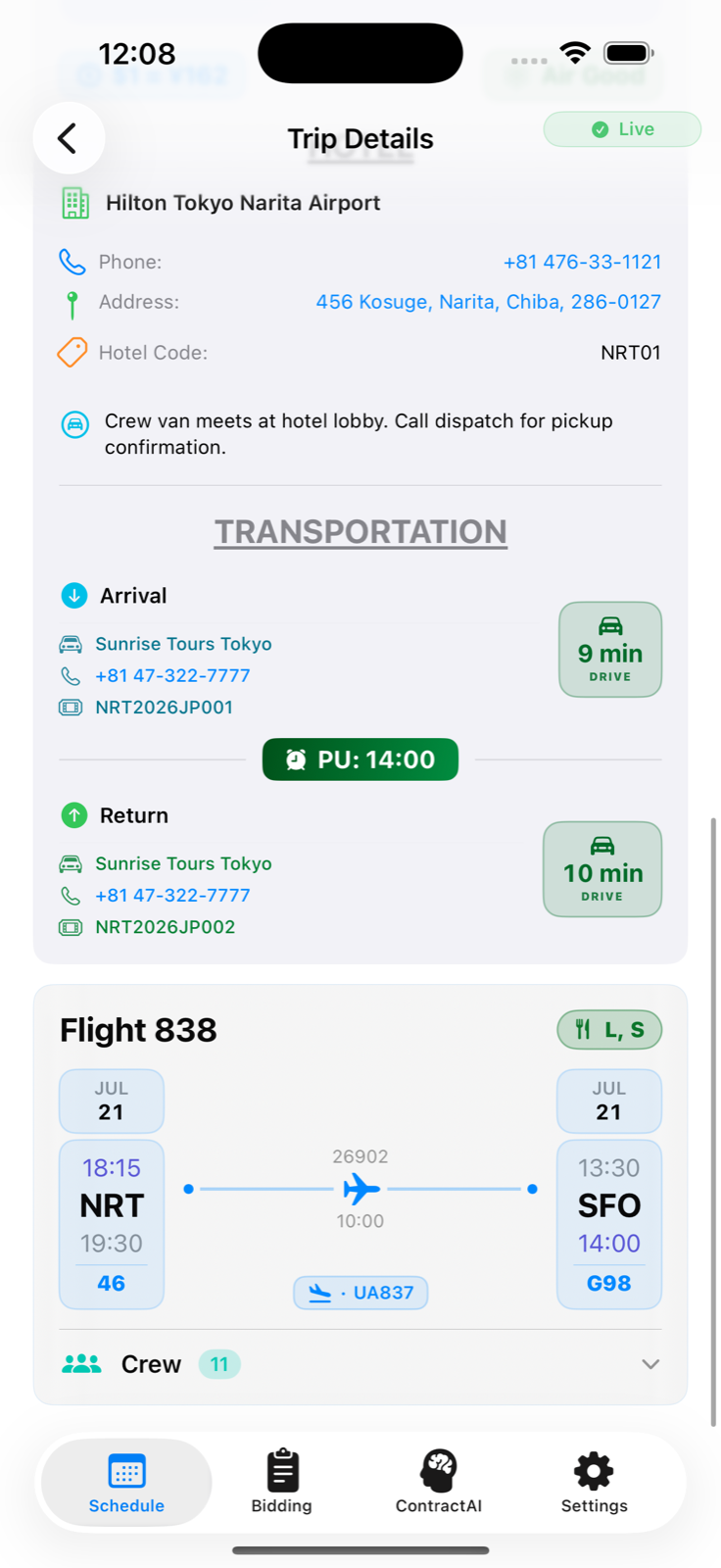
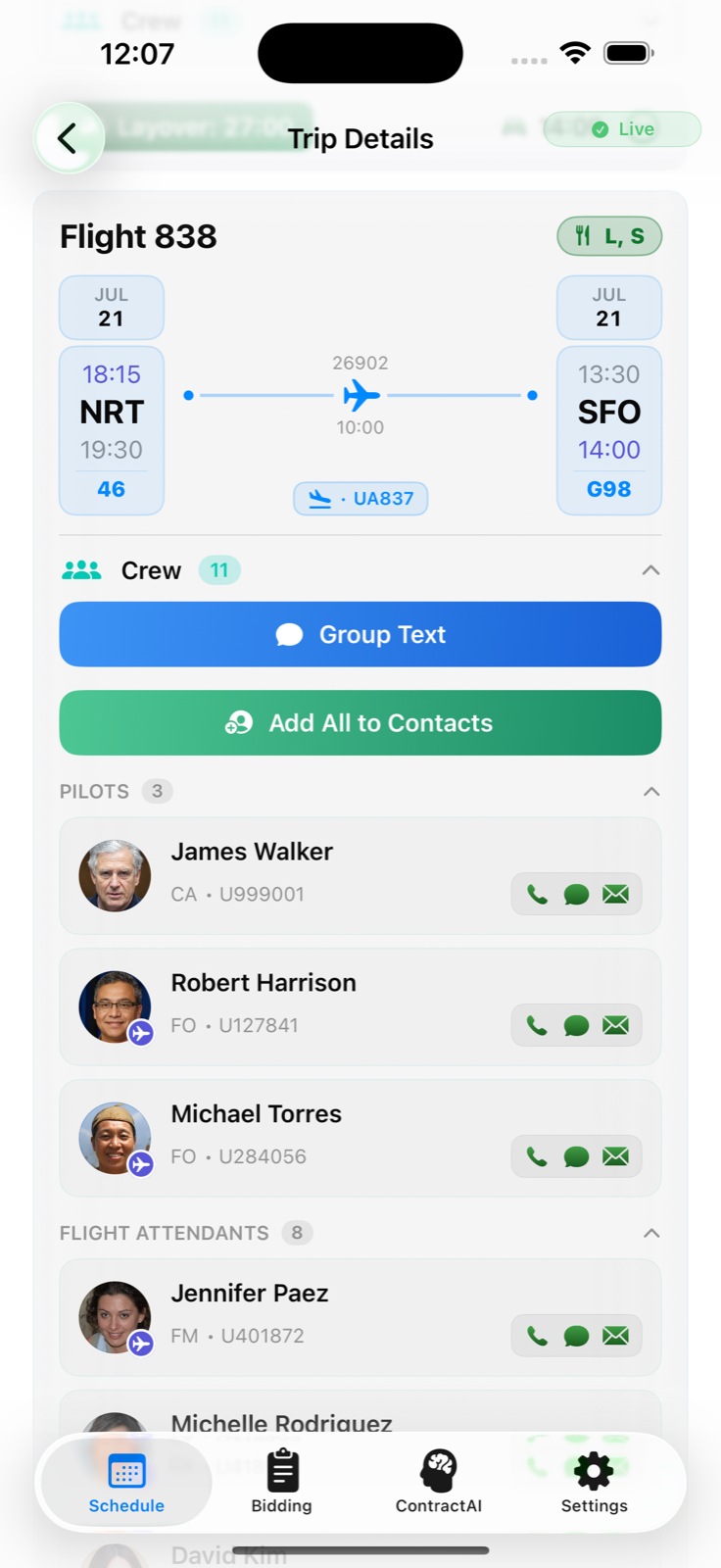
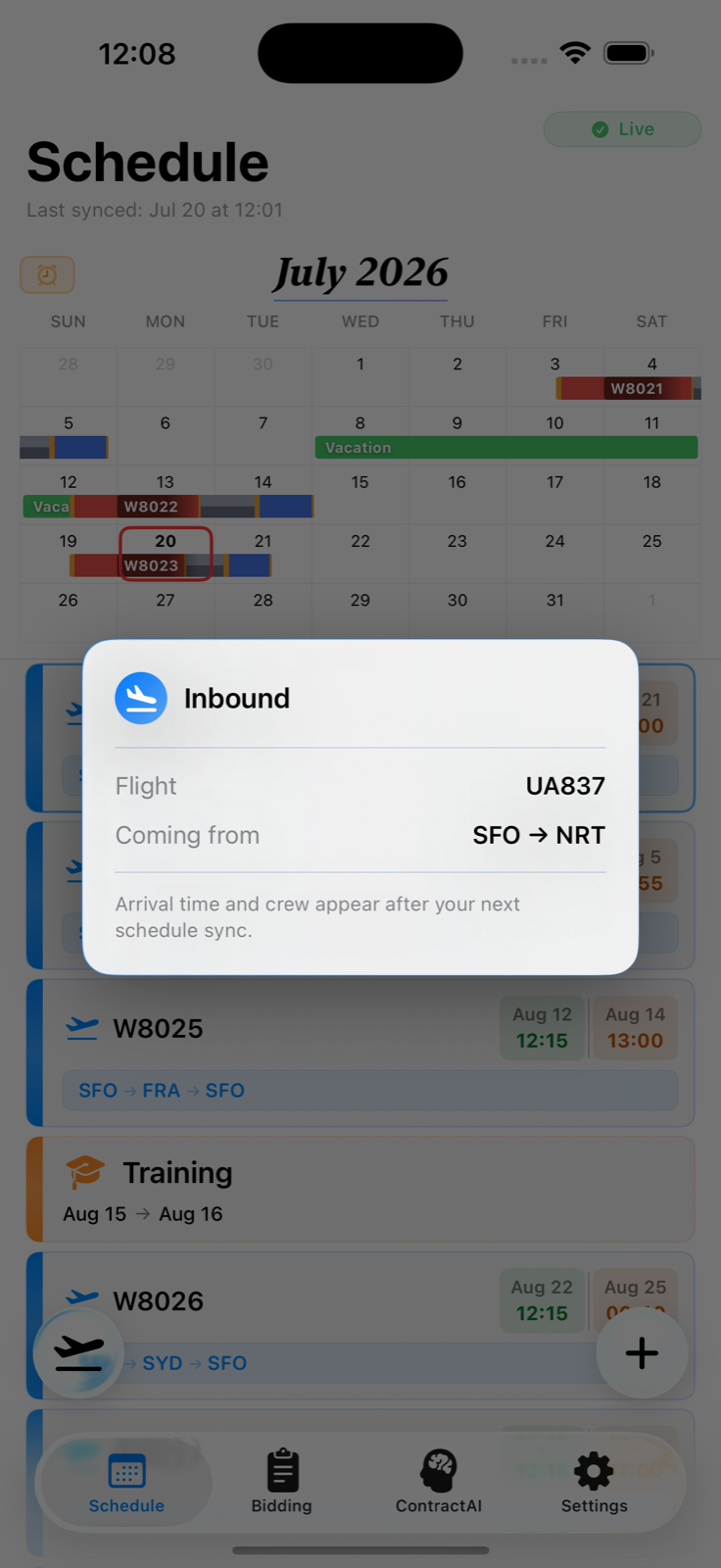
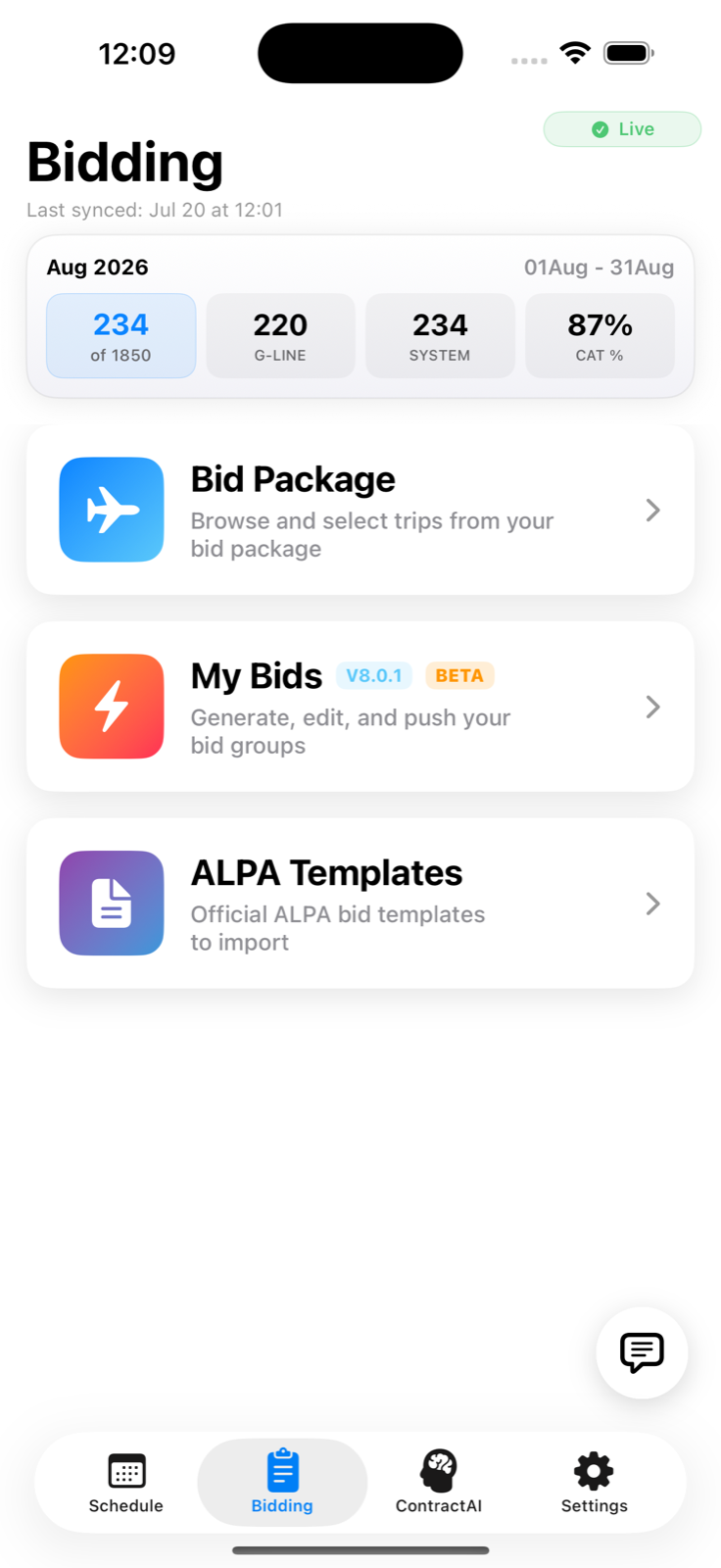
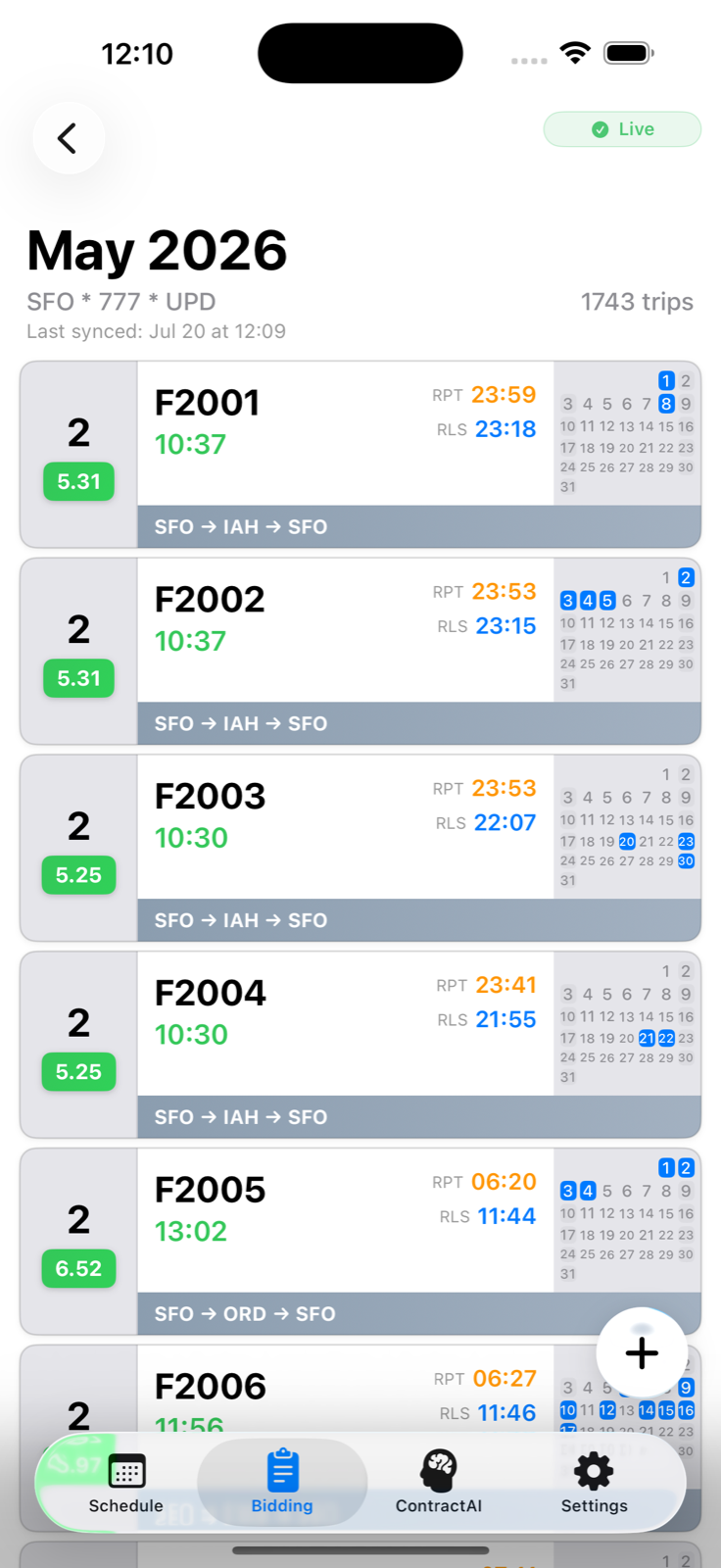
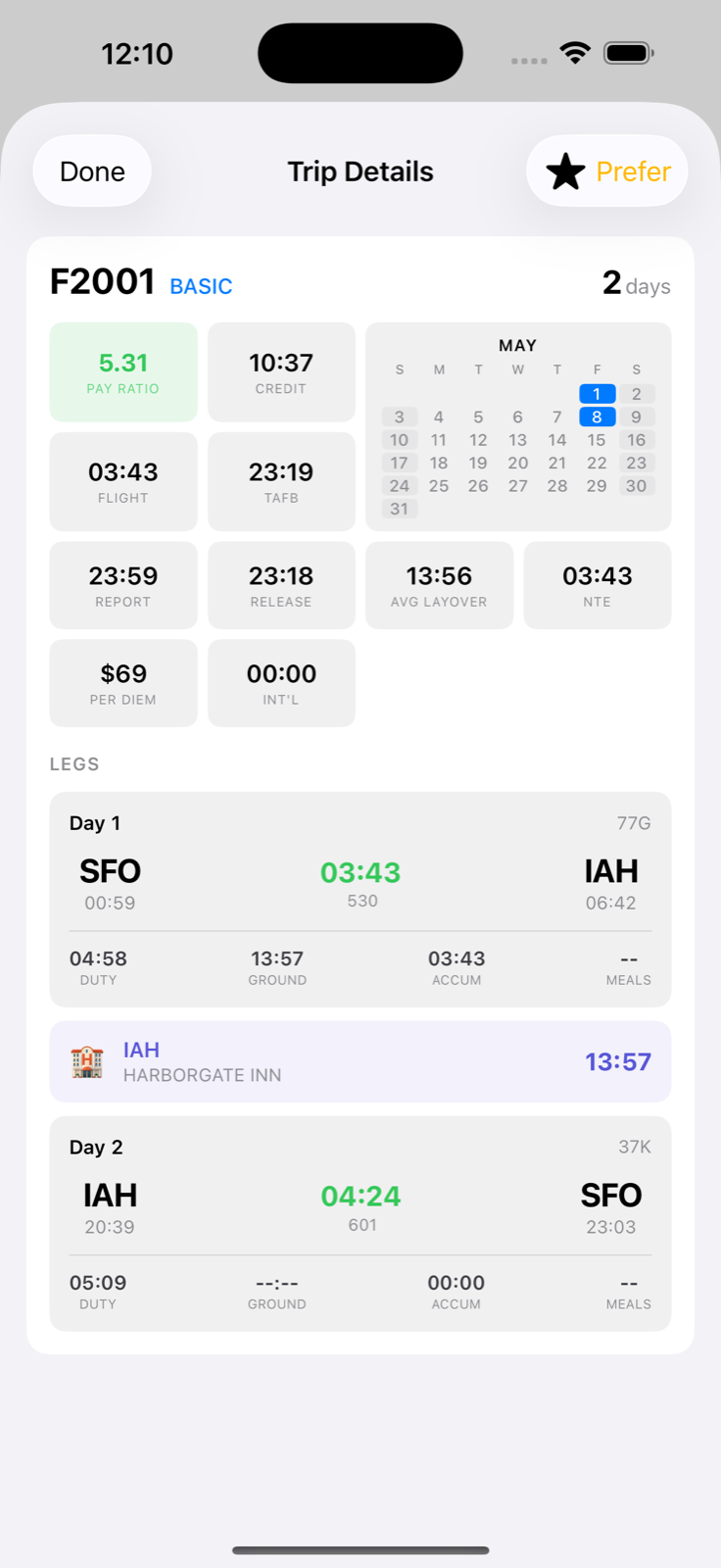
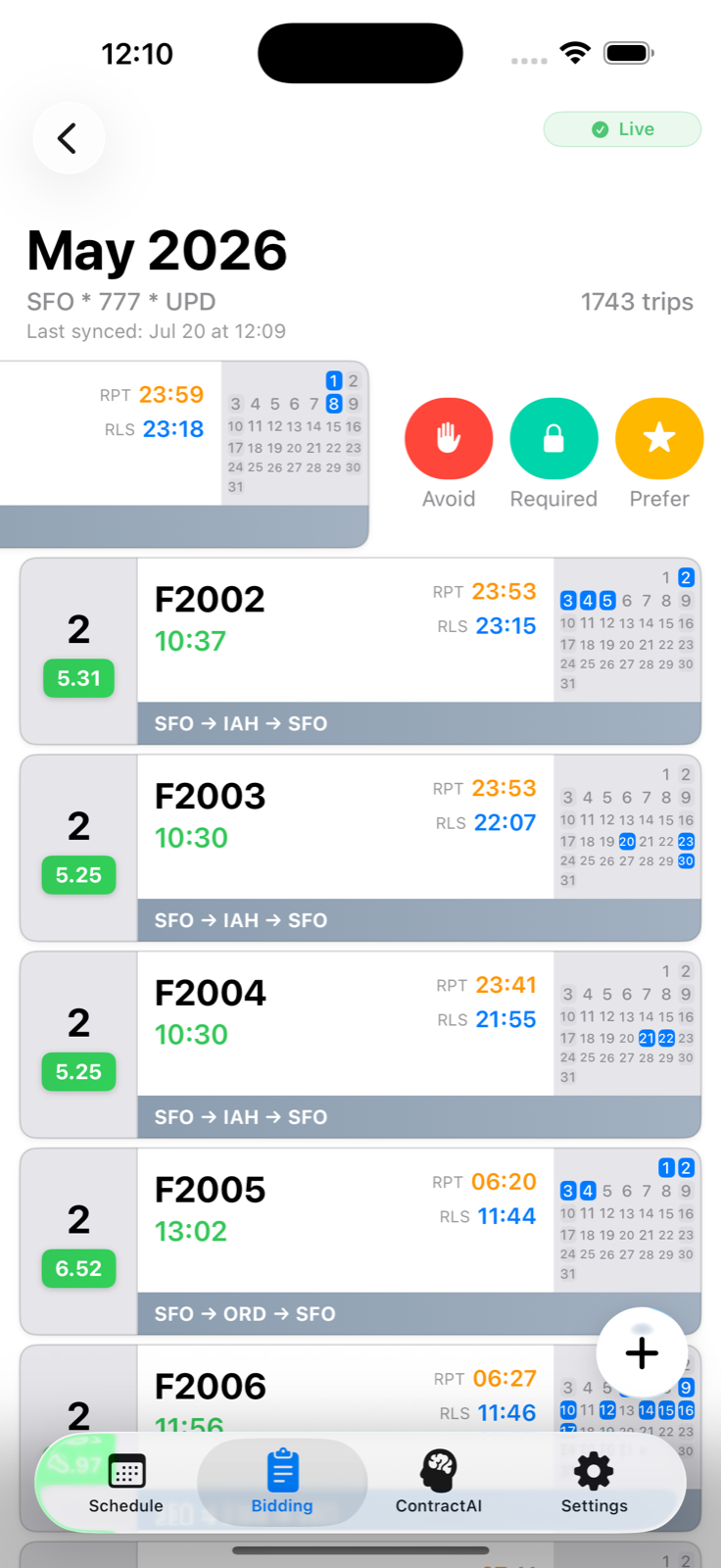
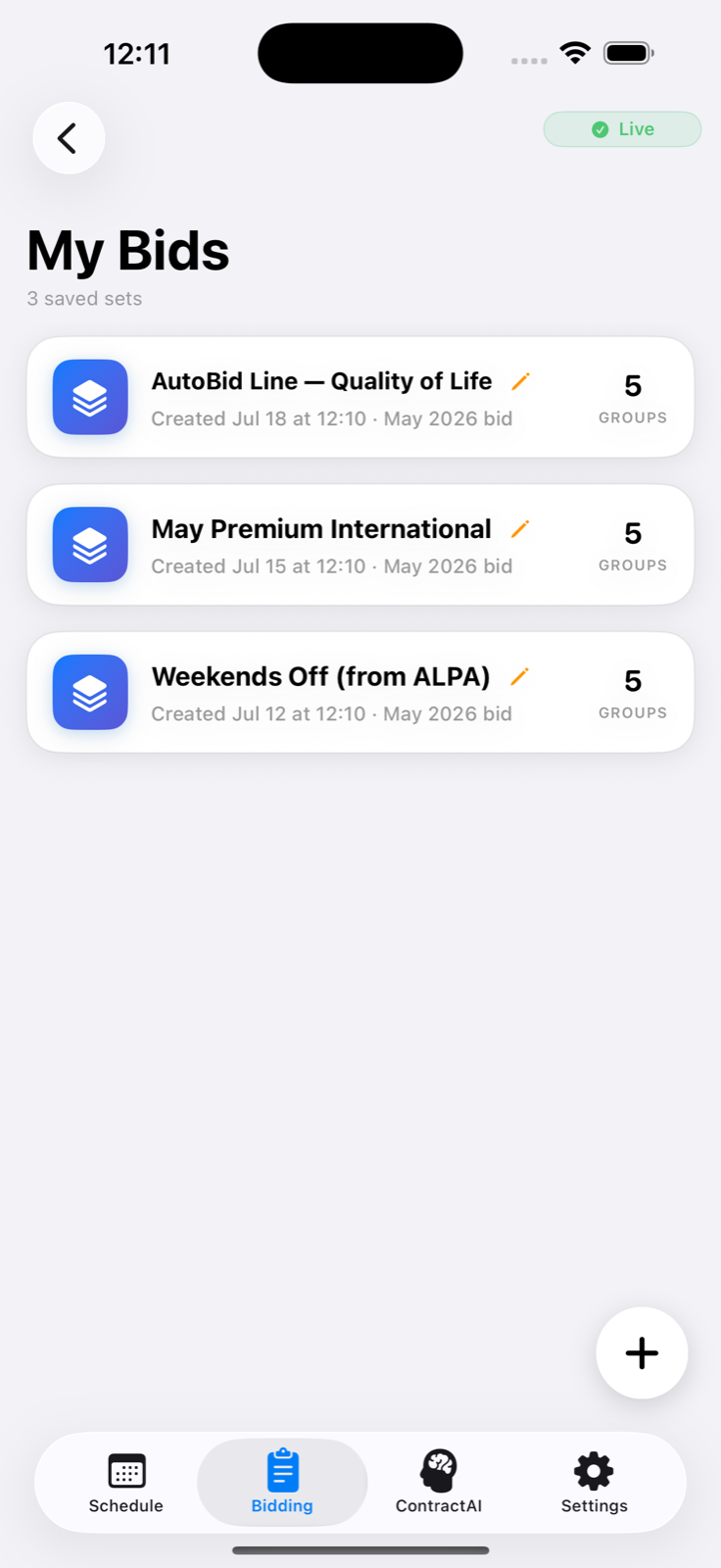
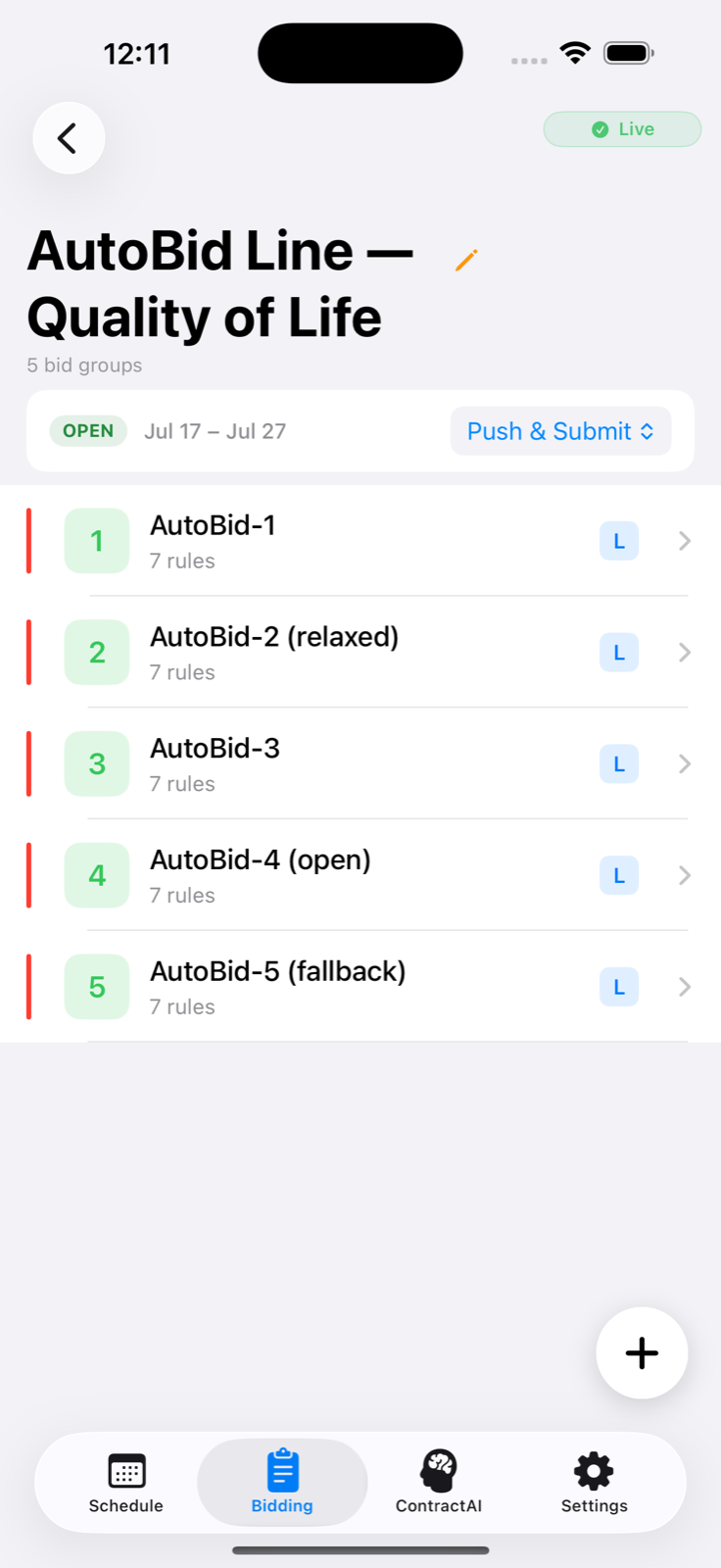
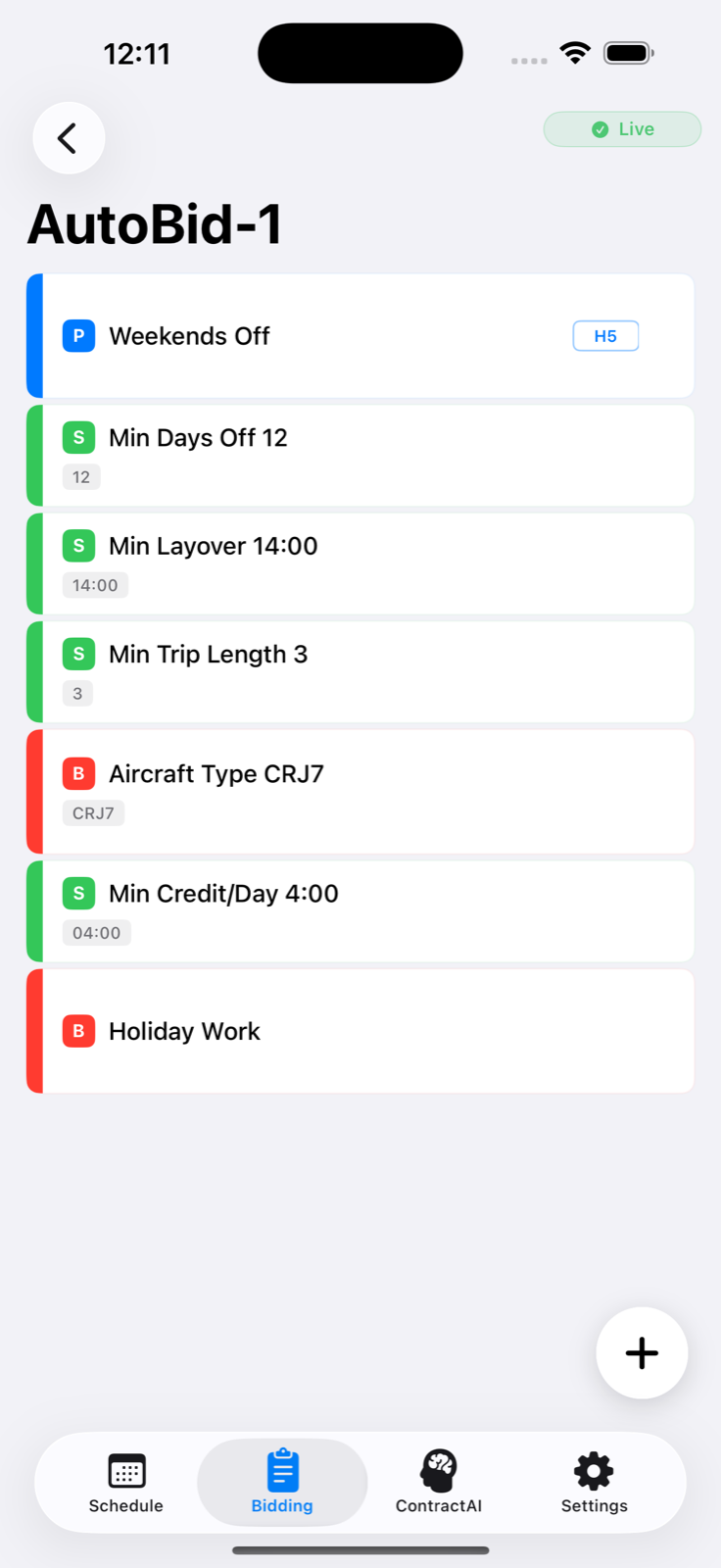
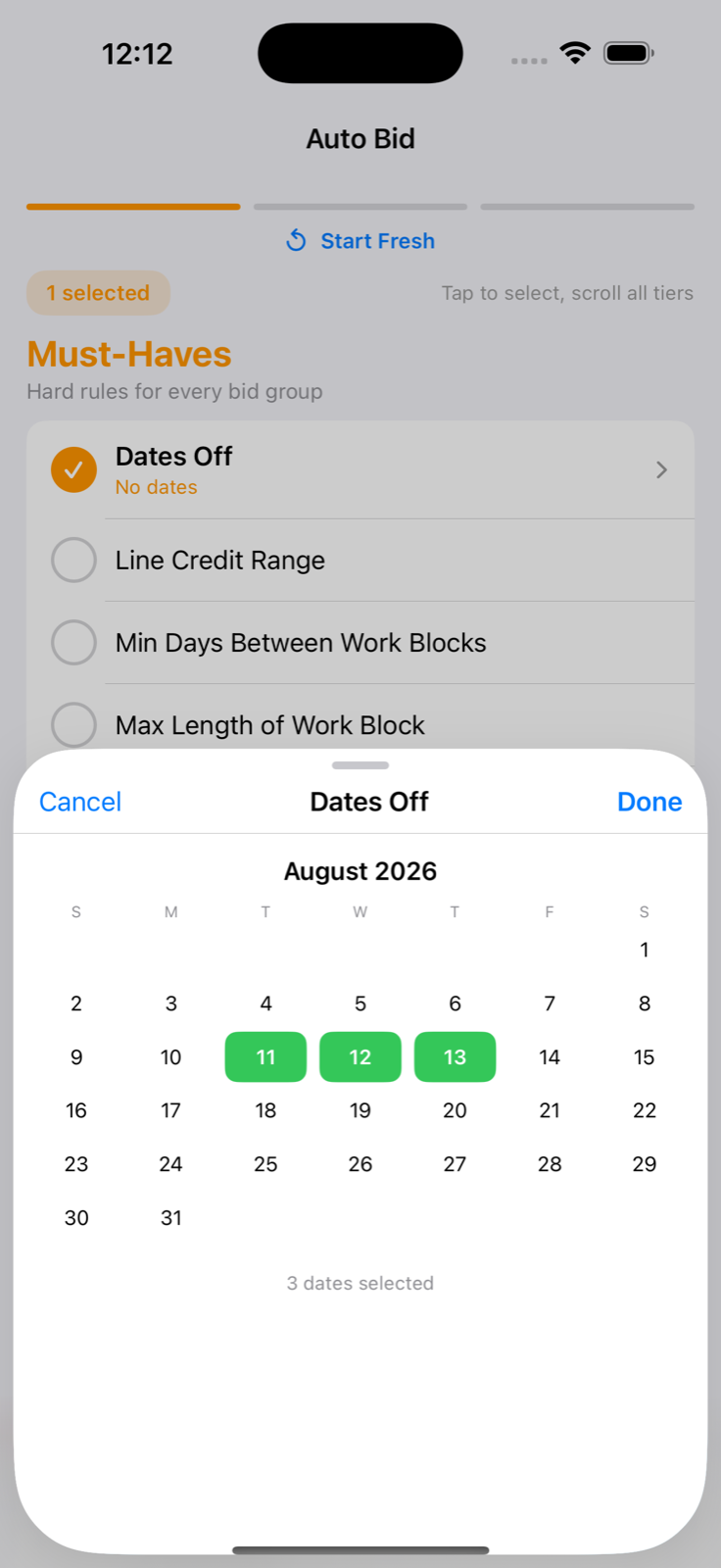
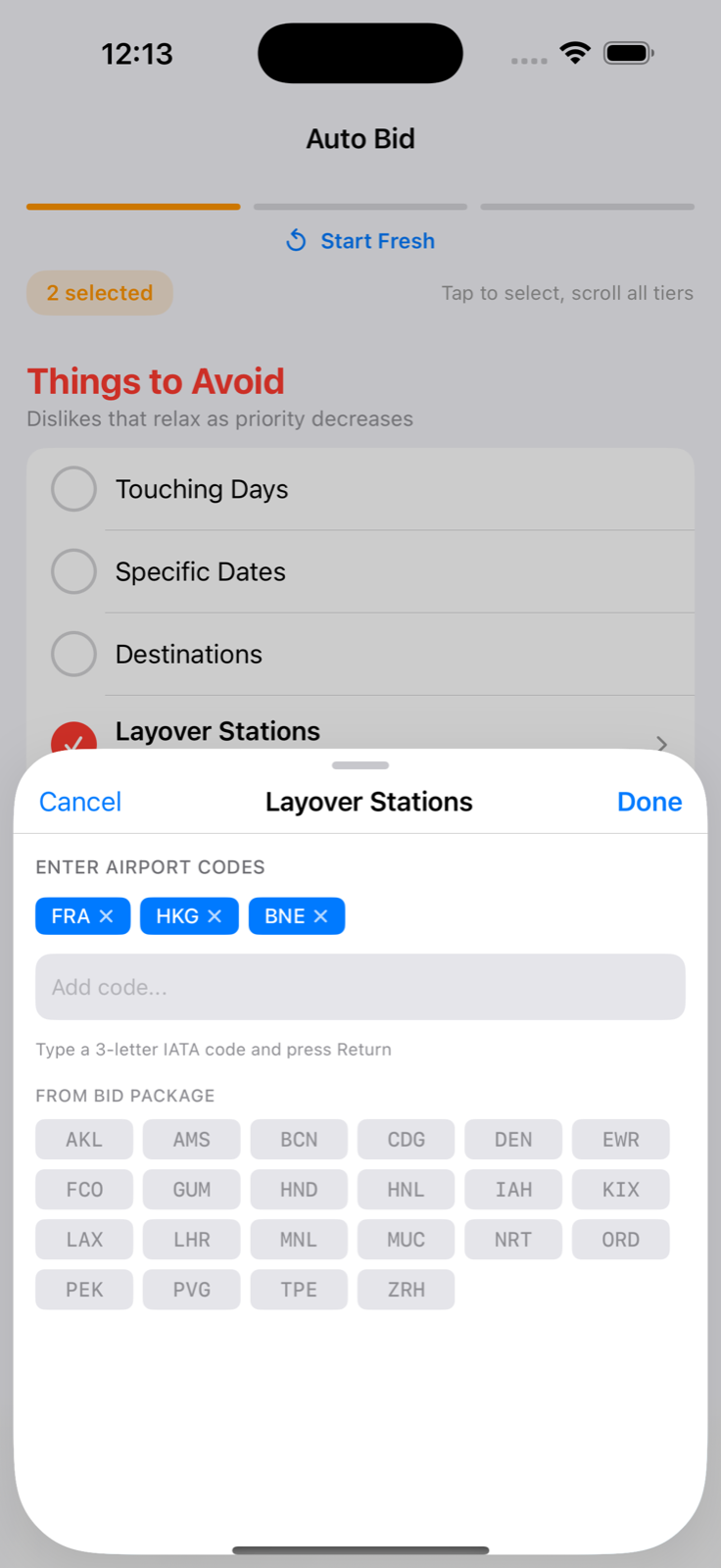
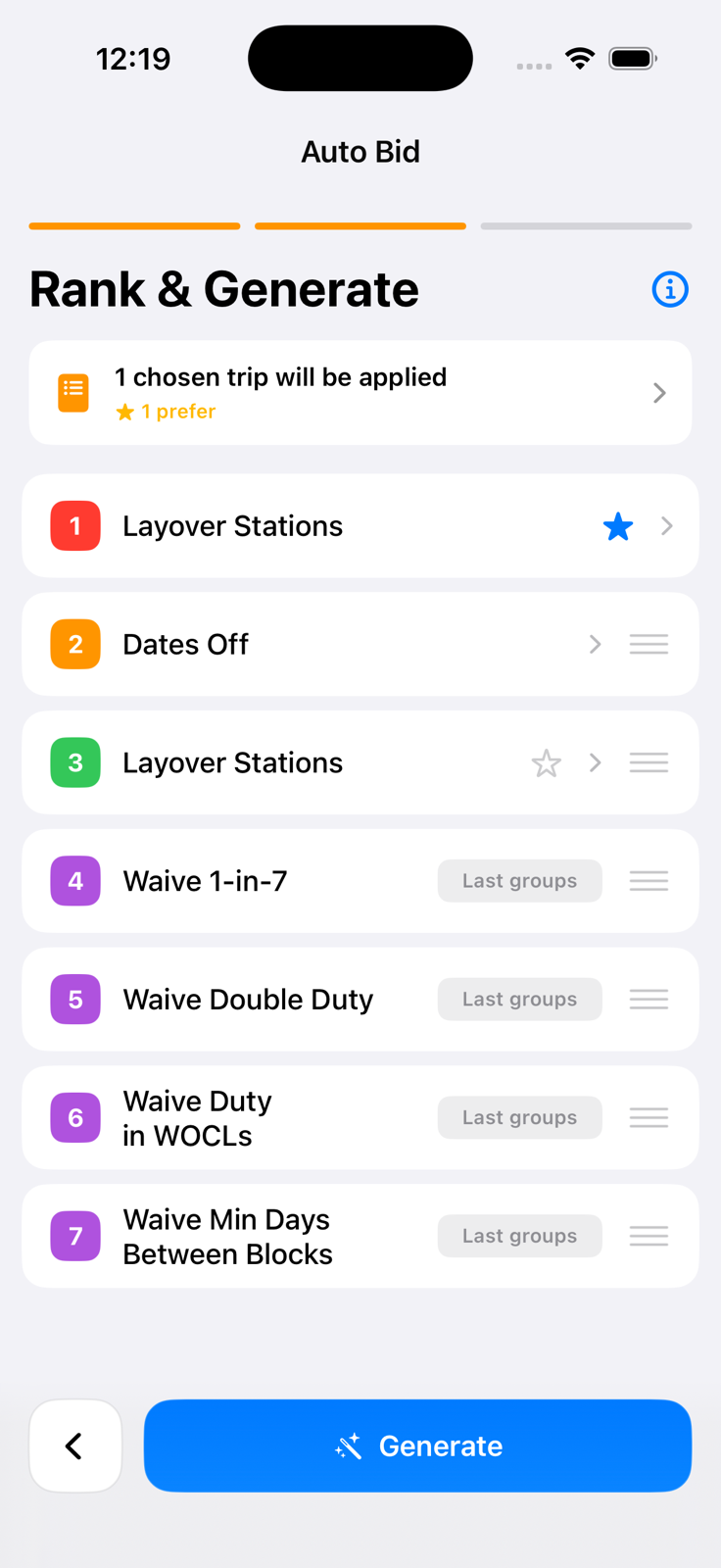
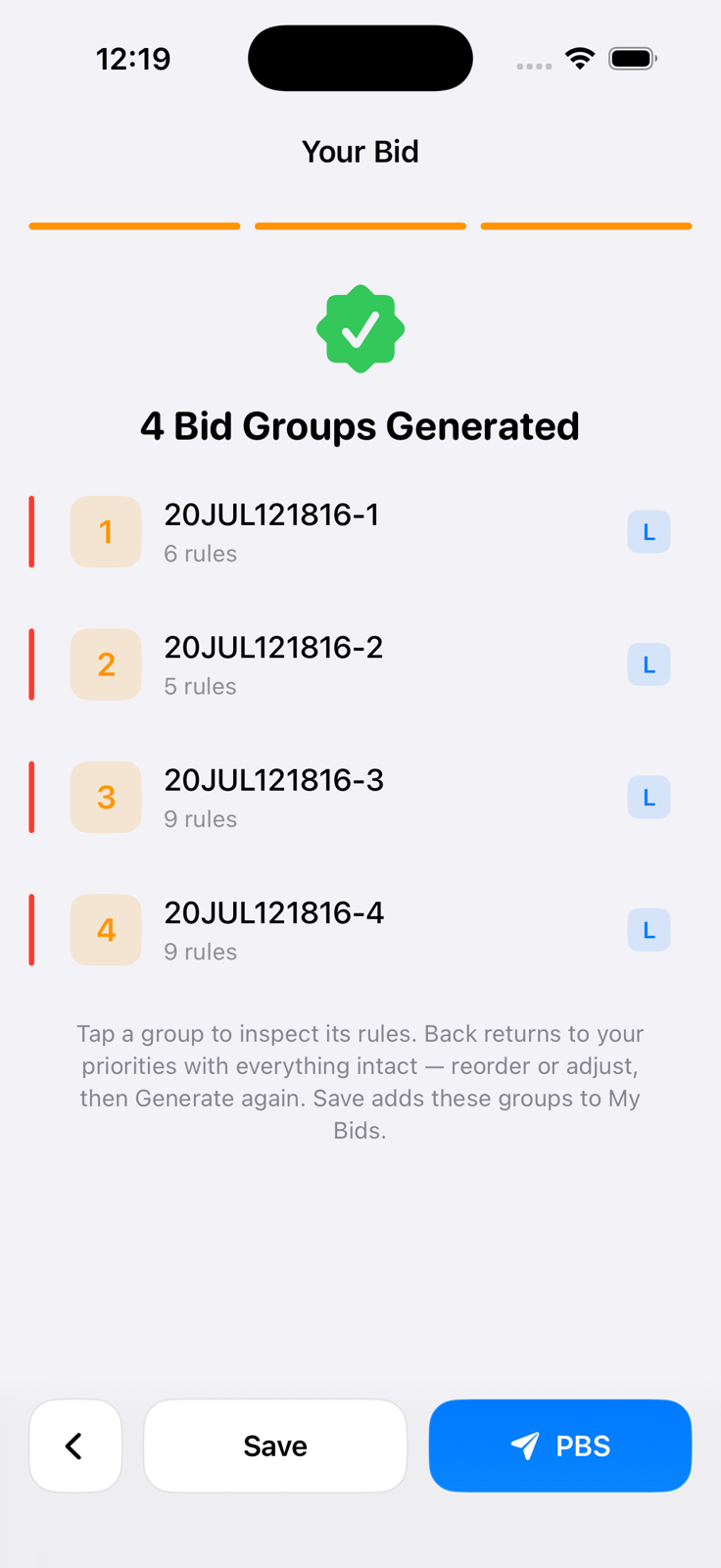
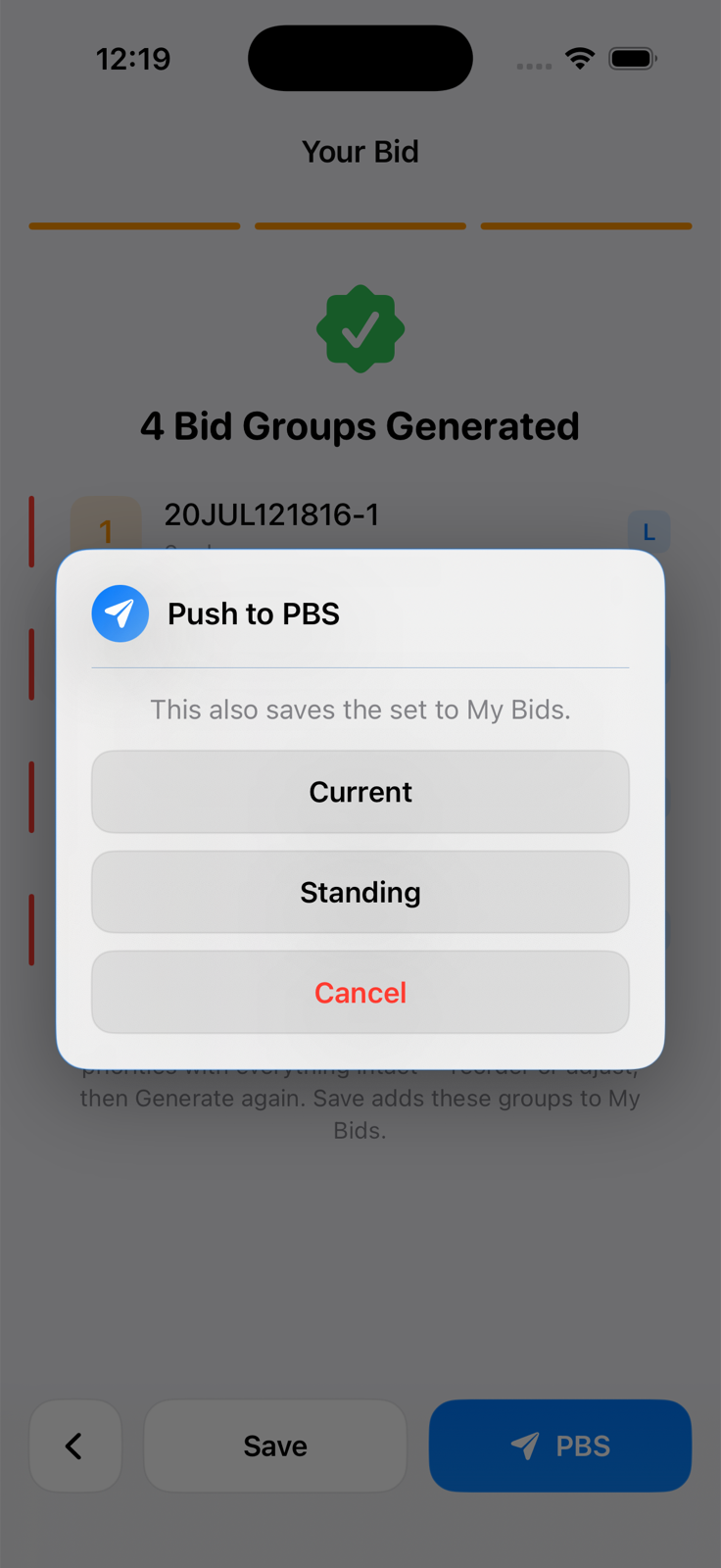
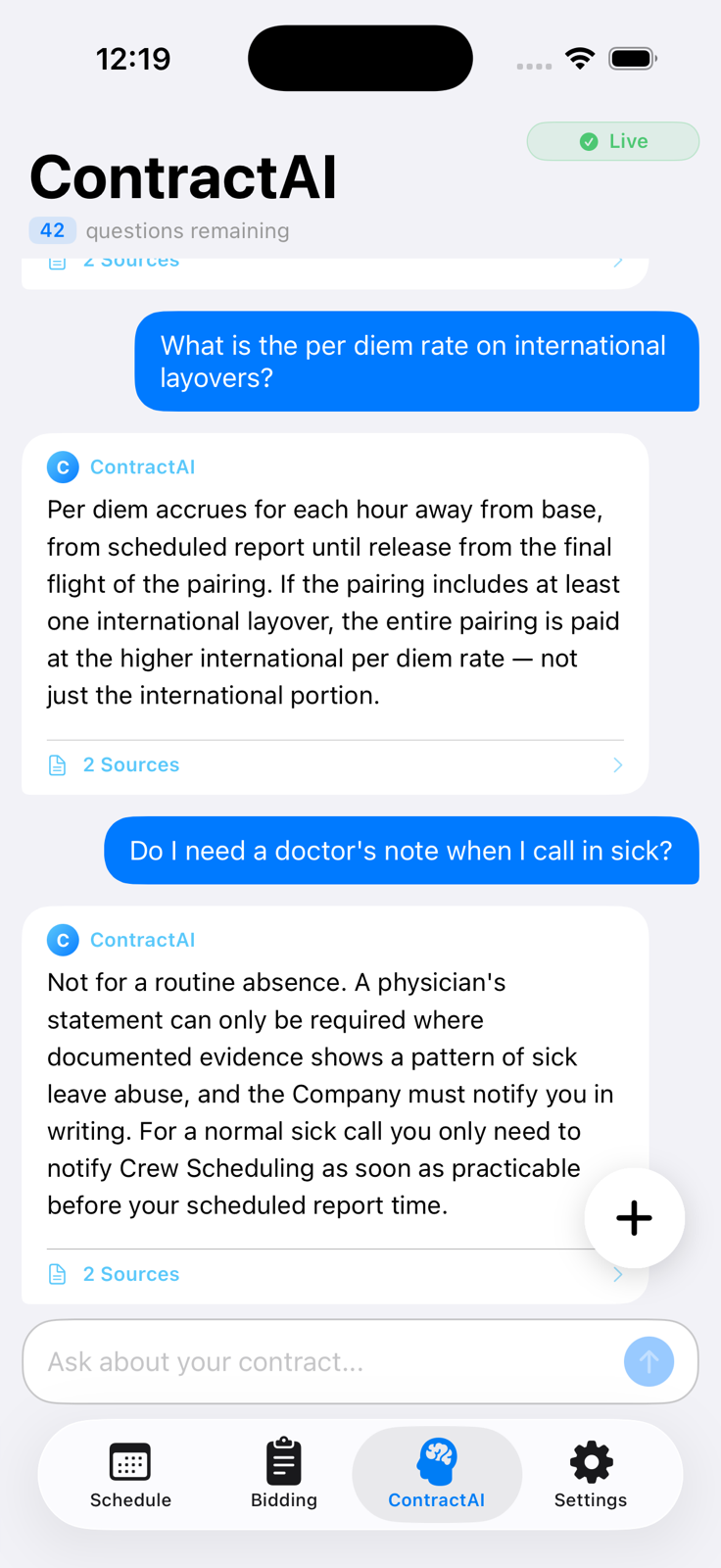
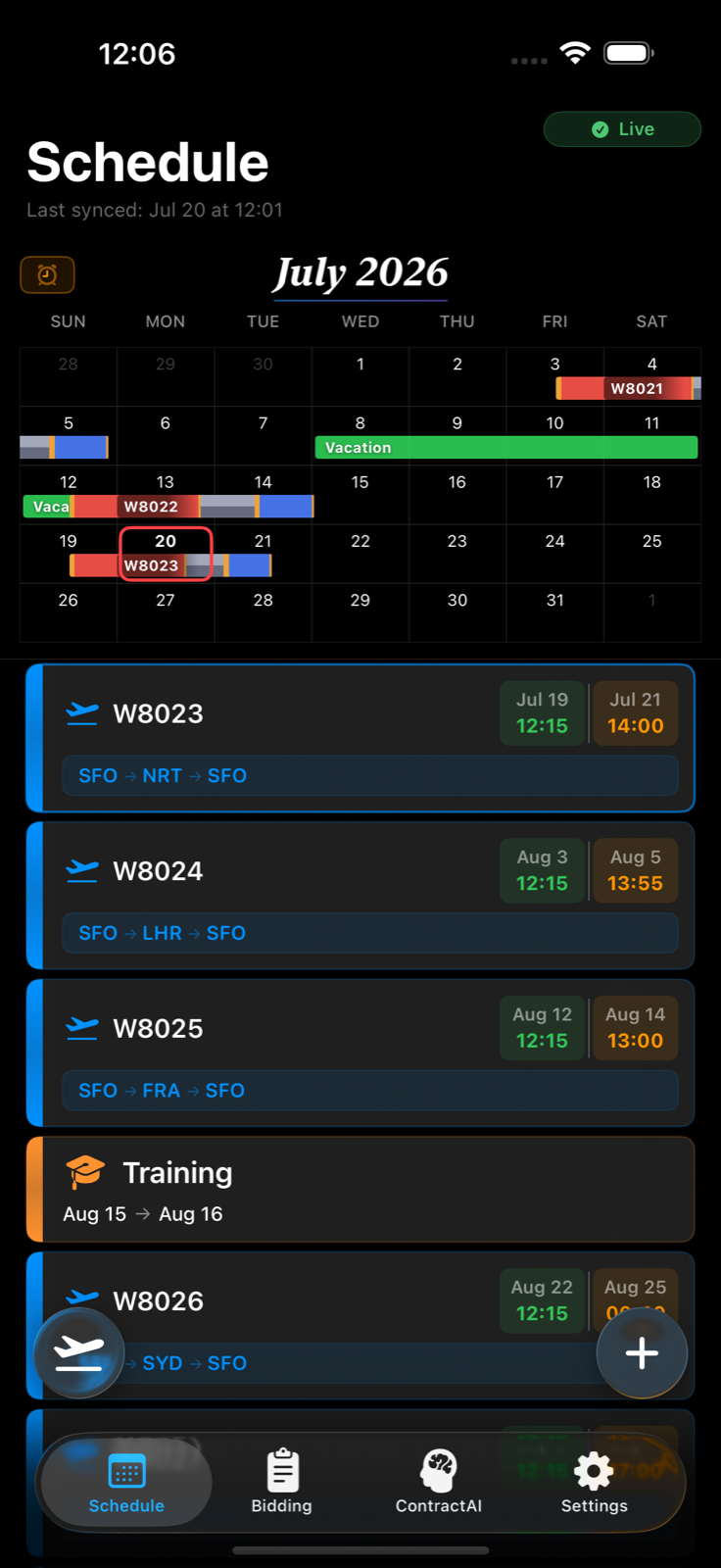
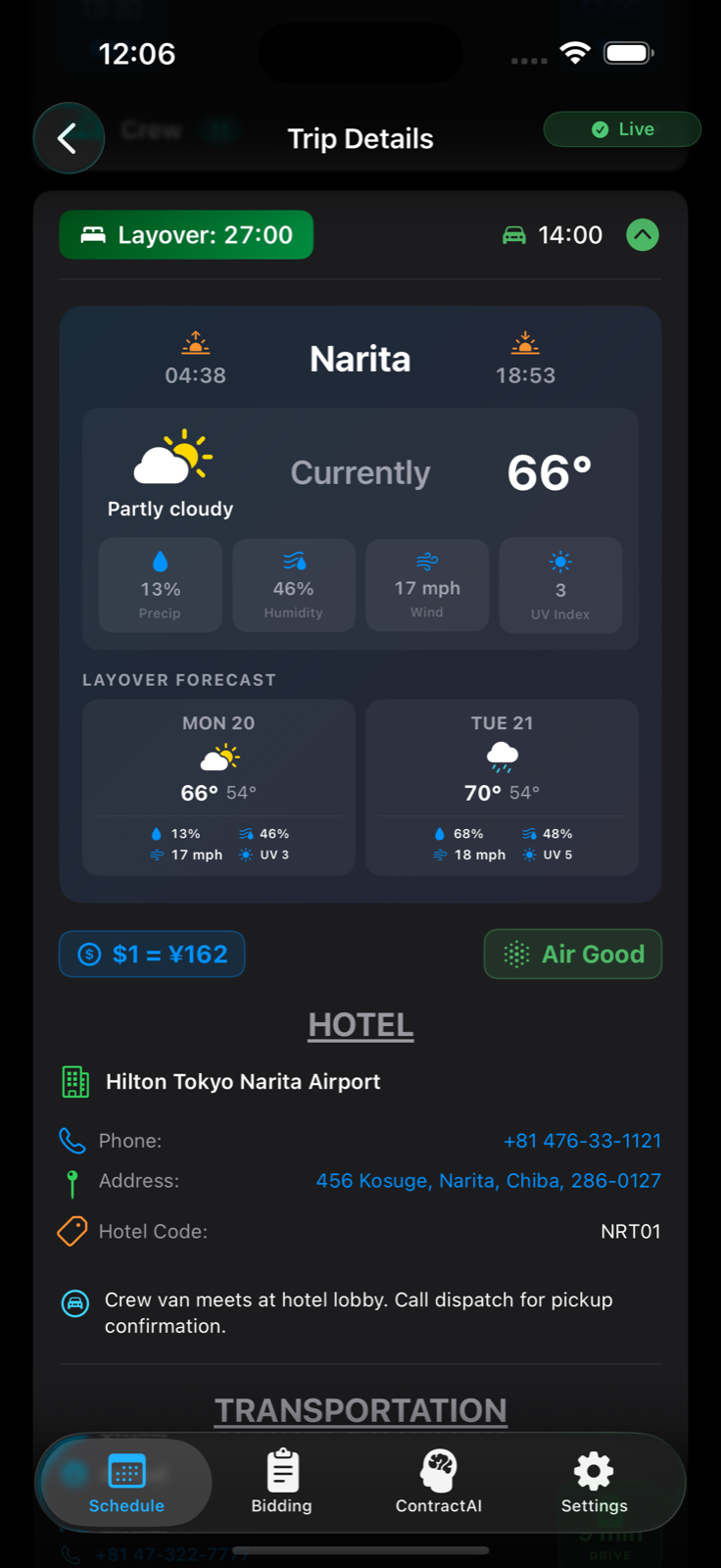
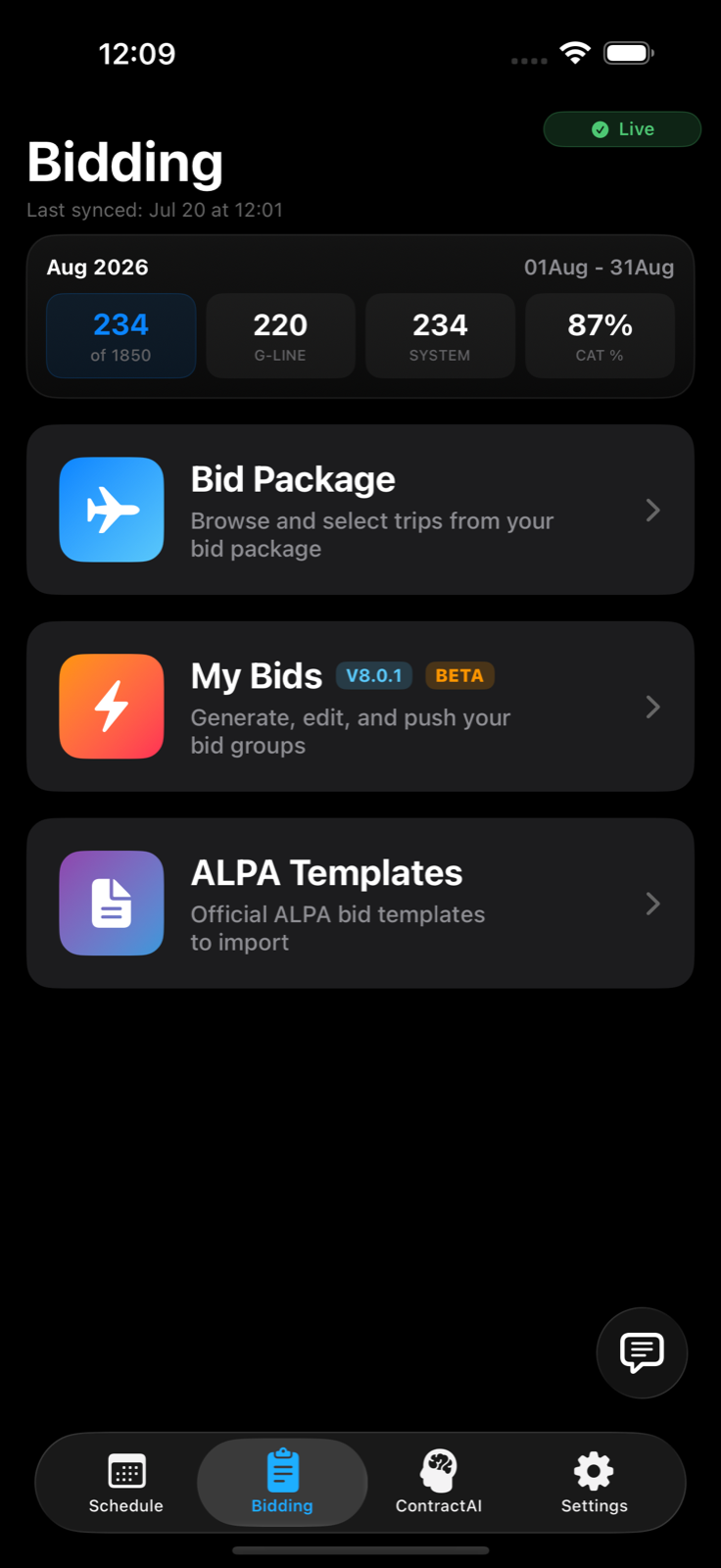
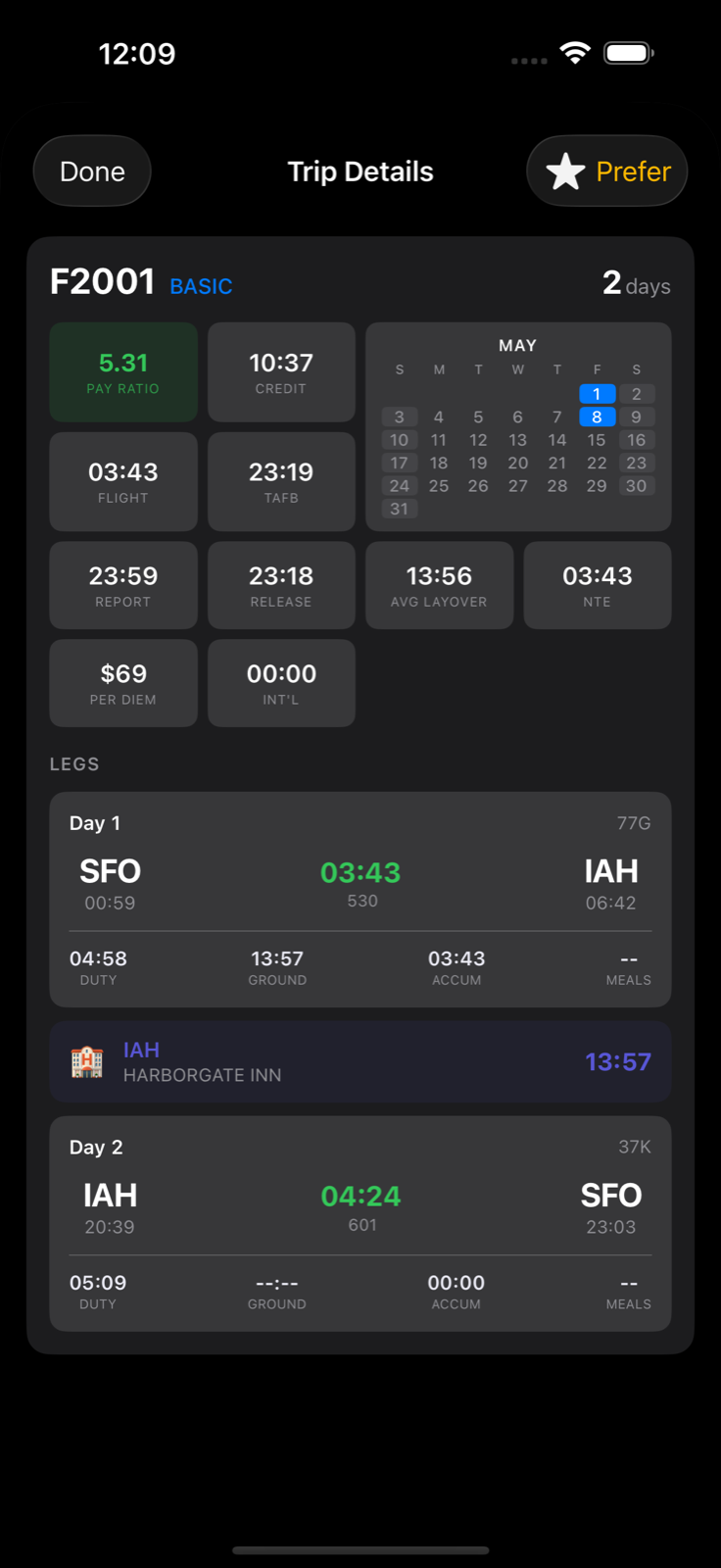
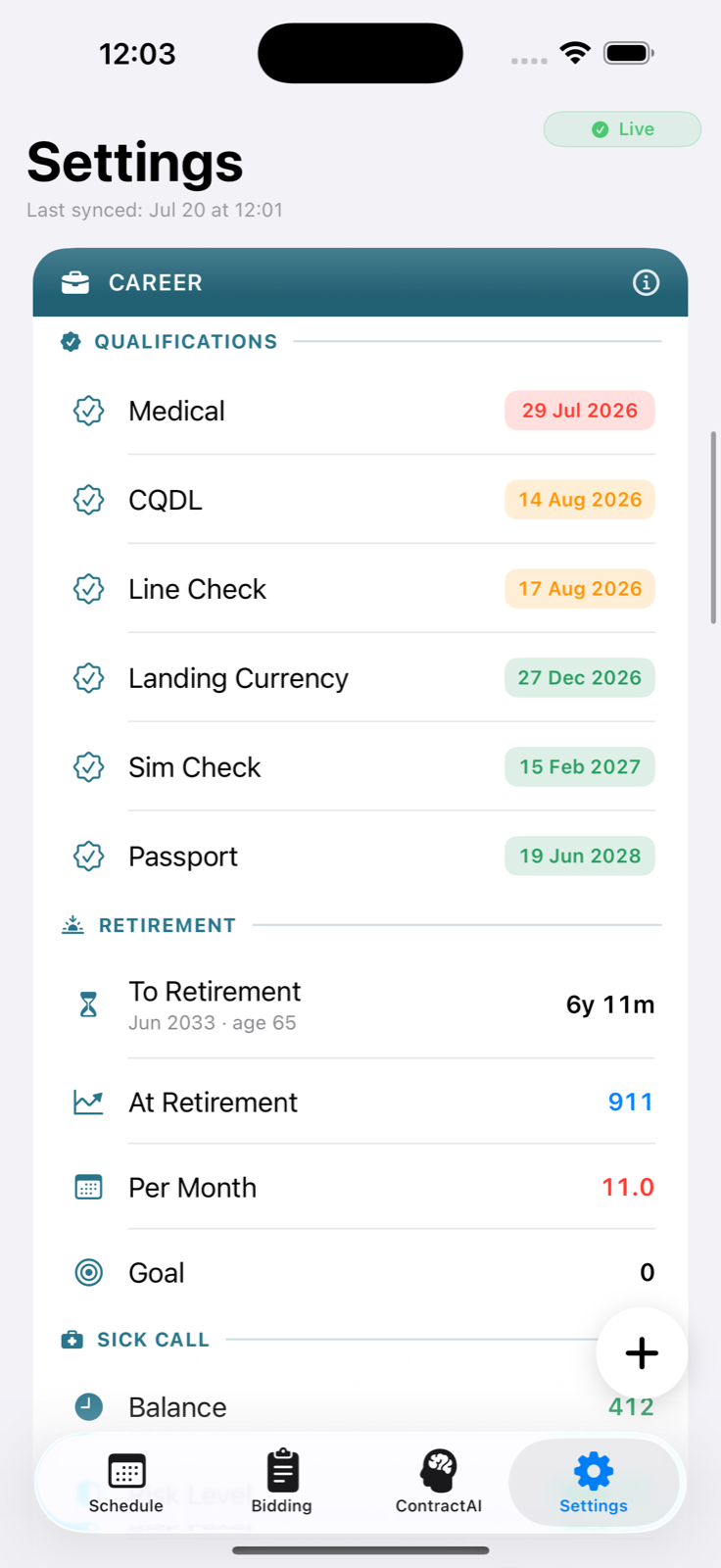
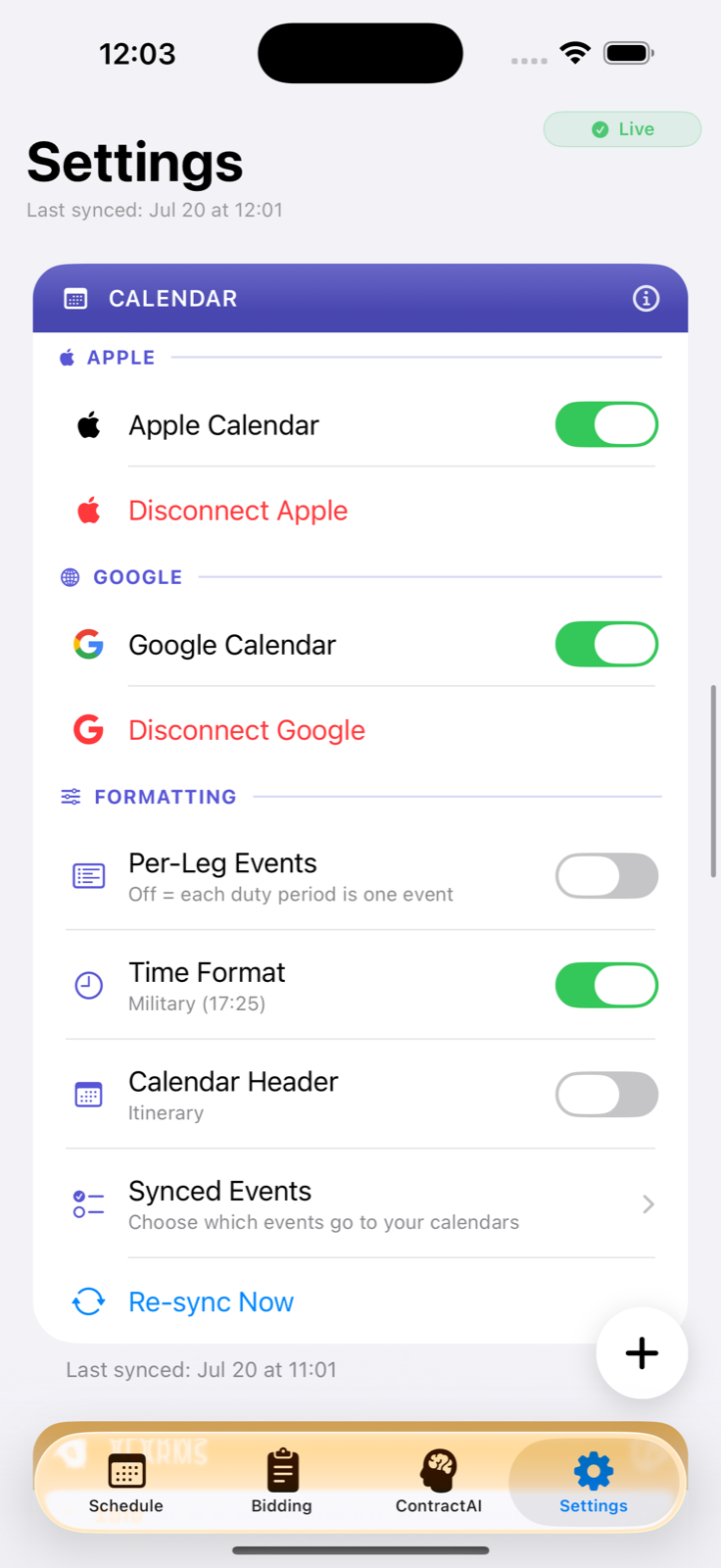
Stellaris is an unofficial assistive tool for pilots who use CCS+ and PBS. Stellaris is not affiliated with, endorsed by, or sponsored by any airline, pilot union, or third-party system referenced in the App. Stellaris helps you view your schedule, build PBS bid groups, sync your trips to your personal calendar, and manage related crew information. Stellaris does not replace official CCS+ or PBS systems. You are solely responsible for verifying any information shown in Stellaris against the authoritative crew-management systems before relying on it for any trip, bid, or duty decision.
3. Subscription Terms
Access to Stellaris requires an auto-renewable subscription billed through Apple’s In-App Purchase system at the price displayed in the App (currently 5.00 US Dollars per month). The subscription automatically renews each month unless you cancel at least 24 hours before the end of the current period. Your Apple ID account is charged for renewal within 24 hours prior to the end of the current period. You can manage and cancel your subscription at any time in your iOS device’s Settings under Apple ID, then Subscriptions. Caerus Digital cannot process refunds for App Store purchases. Refund requests must be submitted to Apple directly.
4. Your CCS+ Credentials
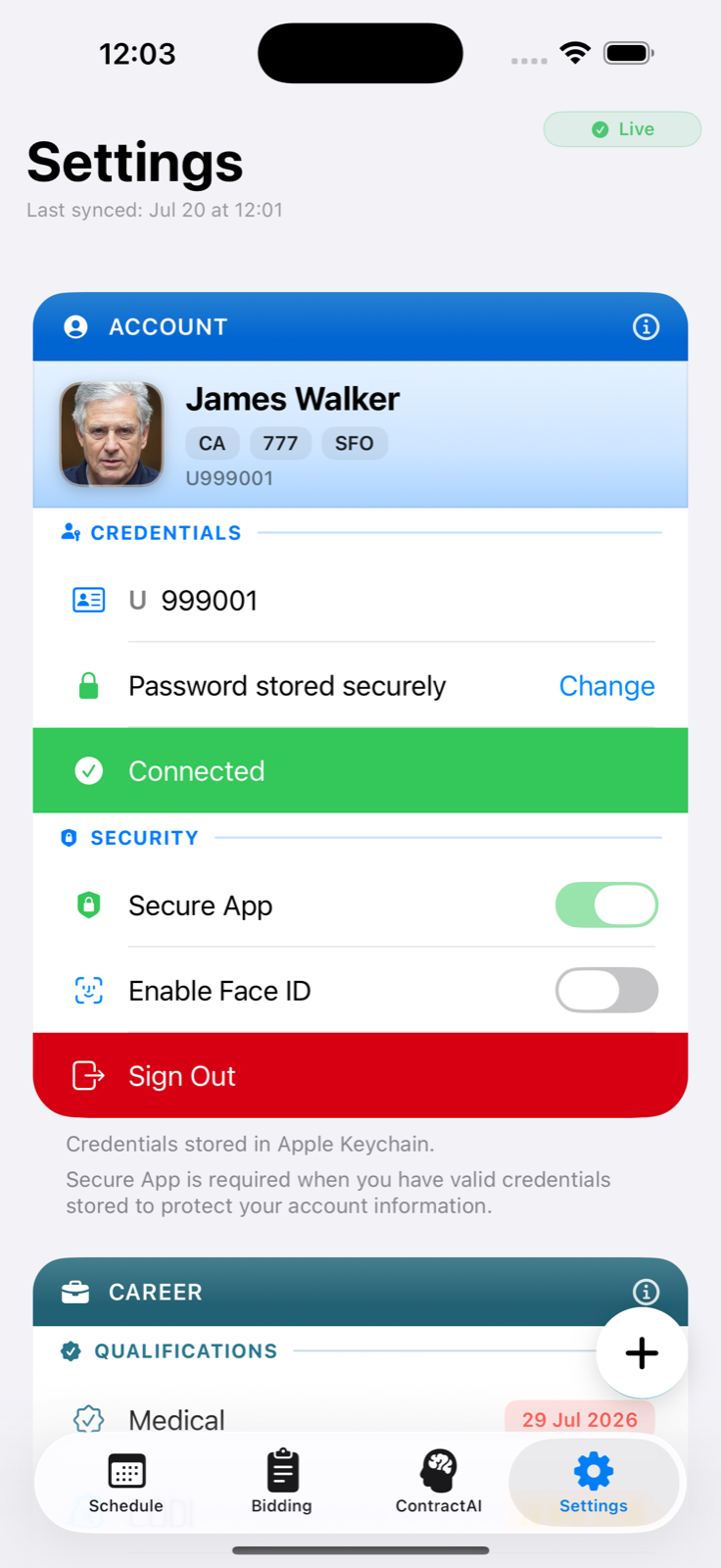
To function, Stellaris asks for your employee number and CCS+ password. These credentials are stored only in the Apple Keychain on your device. We do not transmit them to any Caerus Digital server, and we do not store them anywhere we can access. Stellaris uses these credentials solely to sign you in to CCS+ and PBS on your behalf, in the same way you would log in through the CCS+ web portal. You remain bound by your employer’s terms of use and information-security policies. You are solely responsible for keeping your credentials confidential and for any activity performed under your account.
5. Acceptable Use
You agree not to use Stellaris to (a) automate trade-board requests, bid submissions, or any other interaction with CCS+ or PBS in a manner that violates your employer’s policy or applicable contracts, (b) scrape, redistribute, or resell data obtained through Stellaris, (c) reverse engineer, decompile, or attempt to extract source code from Stellaris, (d) interfere with or disrupt Stellaris or the servers or networks it depends on, or (e) use Stellaris in any way that violates law, regulation, your collective bargaining agreement, or your employer’s policy.
6. No Affiliation
Stellaris is an independent product. References to CCS+, PBS, base codes, aircraft fleet designators, and similar industry terms are used only to describe the tools Stellaris helps you interact with. Caerus Digital does not represent any airline or pilot union and cannot speak for or against their positions, rules, or policies. Any disputes regarding flying, pay, scheduling, or crew rules must be resolved through your employer and your union representatives, not through Stellaris.
7. Intellectual Property
Stellaris, its source code, design, branding, and content are owned by Caerus Digital and protected by United States and international copyright, trademark, and other intellectual-property laws. We grant you a personal, limited, non-exclusive, non-transferable, revocable license to use Stellaris for your own personal pilot operations for the duration of your active subscription.
8. Disclaimers
STELLARIS IS PROVIDED “AS IS” AND “AS AVAILABLE” WITHOUT WARRANTIES OF ANY KIND, WHETHER EXPRESS, IMPLIED, OR STATUTORY, INCLUDING WITHOUT LIMITATION ANY WARRANTIES OF MERCHANTABILITY, FITNESS FOR A PARTICULAR PURPOSE, ACCURACY, OR NON-INFRINGEMENT. CAERUS DIGITAL DOES NOT WARRANT THAT STELLARIS WILL BE UNINTERRUPTED, ERROR-FREE, OR FREE OF VIRUSES OR HARMFUL COMPONENTS, OR THAT ANY DATA SHOWN IN STELLARIS IS ACCURATE, COMPLETE, OR CURRENT. STELLARIS IS NOT FLIGHT-CRITICAL SOFTWARE AND MUST NOT BE USED AS A SUBSTITUTE FOR OFFICIAL CREW-MANAGEMENT SYSTEMS, FEDERAL AVIATION REGULATIONS, COMPANY OPERATIONS MANUALS, OR PROFESSIONAL JUDGMENT.
9. Limitation of Liability
TO THE MAXIMUM EXTENT PERMITTED BY LAW, CAERUS DIGITAL SHALL NOT BE LIABLE FOR ANY INDIRECT, INCIDENTAL, SPECIAL, CONSEQUENTIAL, EXEMPLARY, OR PUNITIVE DAMAGES, INCLUDING LOST PROFITS, LOST PAY, LOST FLYING, MISSED TRIPS, MISSED BIDS, DISCIPLINARY ACTION, OR LOSS OF GOODWILL, ARISING OUT OF OR IN CONNECTION WITH YOUR USE OF STELLARIS, EVEN IF CAERUS DIGITAL HAS BEEN ADVISED OF THE POSSIBILITY OF SUCH DAMAGES. IN NO EVENT WILL CAERUS DIGITAL’S TOTAL LIABILITY EXCEED THE GREATER OF (A) THE AMOUNT YOU PAID FOR YOUR STELLARIS SUBSCRIPTION IN THE TWELVE MONTHS PRECEDING THE CLAIM OR (B) FIFTY US DOLLARS.
10. Indemnification
You agree to defend, indemnify, and hold harmless Caerus Digital and its officers, members, and employees from any claim, demand, loss, or expense (including reasonable attorneys’ fees) arising out of your use of Stellaris, your breach of these Terms, or your violation of any third party’s rights, including your employer’s or pilot union’s policies.
11. Termination
You may stop using Stellaris at any time by cancelling your subscription in Settings and uninstalling the App. We may suspend or terminate your access if you violate these Terms or if we discontinue Stellaris. Sections that by their nature should survive termination (including Disclaimers, Limitation of Liability, Indemnification, and Governing Law) will survive.
12. Changes to These Terms
We may update these Terms from time to time. Material changes will be communicated through the App or by updating the “Last updated” date above. Continued use of Stellaris after changes take effect constitutes acceptance of the revised Terms.
13. Governing Law
These Terms are governed by the laws of the Commonwealth of Virginia, without regard to its conflict of laws principles. Any dispute arising out of or relating to these Terms or your use of Stellaris will be resolved exclusively in the state or federal courts located in Virginia, and you consent to the jurisdiction of those courts.
14. Contact
Questions about these Terms can be sent to support@caerus.digital.
Apple-Required EULA Provisions
You acknowledge that these Terms are between you and Caerus Digital only, and not with Apple Inc. (“Apple”). Apple is not responsible for Stellaris or its content. Apple has no obligation to provide any maintenance or support for Stellaris. In the event of any failure of Stellaris to conform to any applicable warranty, you may notify Apple, and Apple will refund the purchase price of Stellaris to you, if applicable; to the maximum extent permitted by law, Apple will have no other warranty obligation with respect to Stellaris. Apple is not responsible for addressing any claims by you or any third party relating to Stellaris or your possession or use of Stellaris, including product-liability claims, claims that Stellaris fails to conform to any applicable legal or regulatory requirement, and claims arising under consumer-protection or similar legislation. In the event of any third-party claim that Stellaris or your use of Stellaris infringes that third party’s intellectual property rights, Caerus Digital, not Apple, will be solely responsible for the investigation, defense, settlement, and discharge of that claim. You represent and warrant that you are not located in a country that is subject to a US Government embargo, or that has been designated by the US Government as a “terrorist supporting” country, and that you are not listed on any US Government list of prohibited or restricted parties. Apple and Apple’s subsidiaries are third-party beneficiaries of these Terms, and upon your acceptance, Apple will have the right (and will be deemed to have accepted the right) to enforce these Terms against you as a third-party beneficiary.